Respond
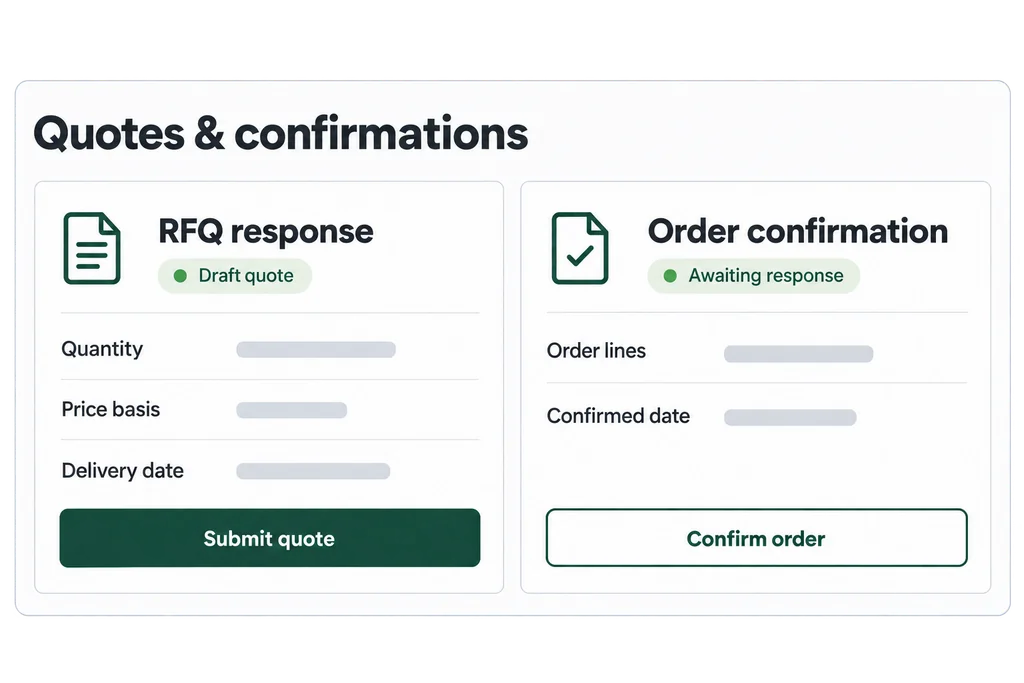
Quotes and confirmations.
Suppliers can respond to RFQs, confirm orders and exchange forecasts and documents through the supported account or guest flow.
The Onevyne platform
Run RFQs, match requirements to supplier capabilities and follow orders through delivery. The platform behind our managed service is also available to your team as SaaS.
01 / RFQ & sourcing
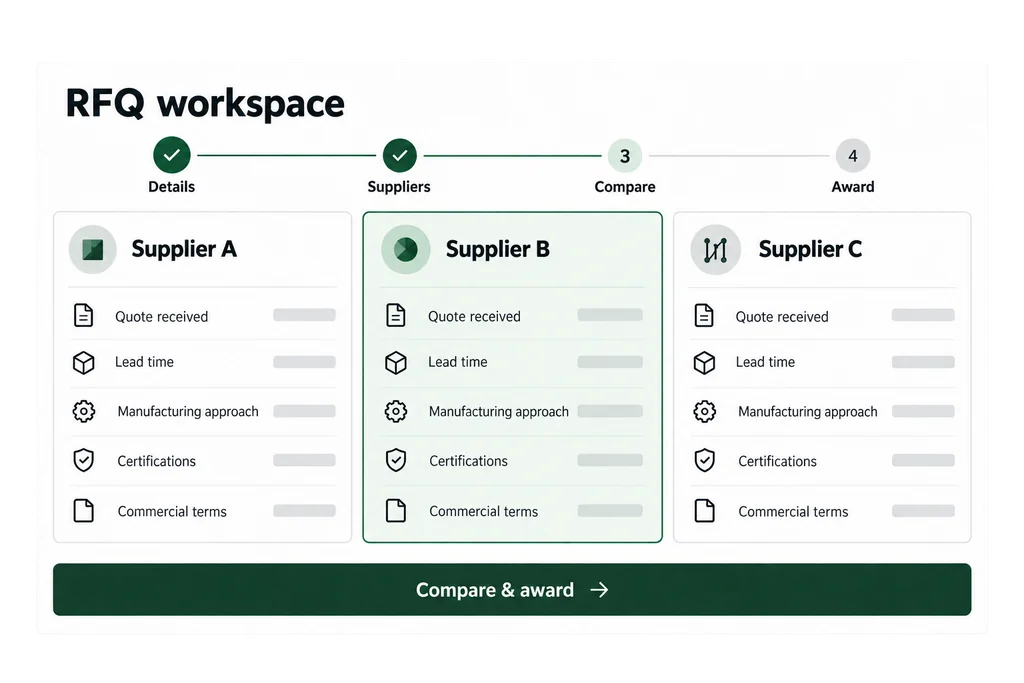
Bring the RFQ process into one place: define the requirement, select suppliers, collect quotations and compare the commercial details before making an award.
02 / RFQ network matching
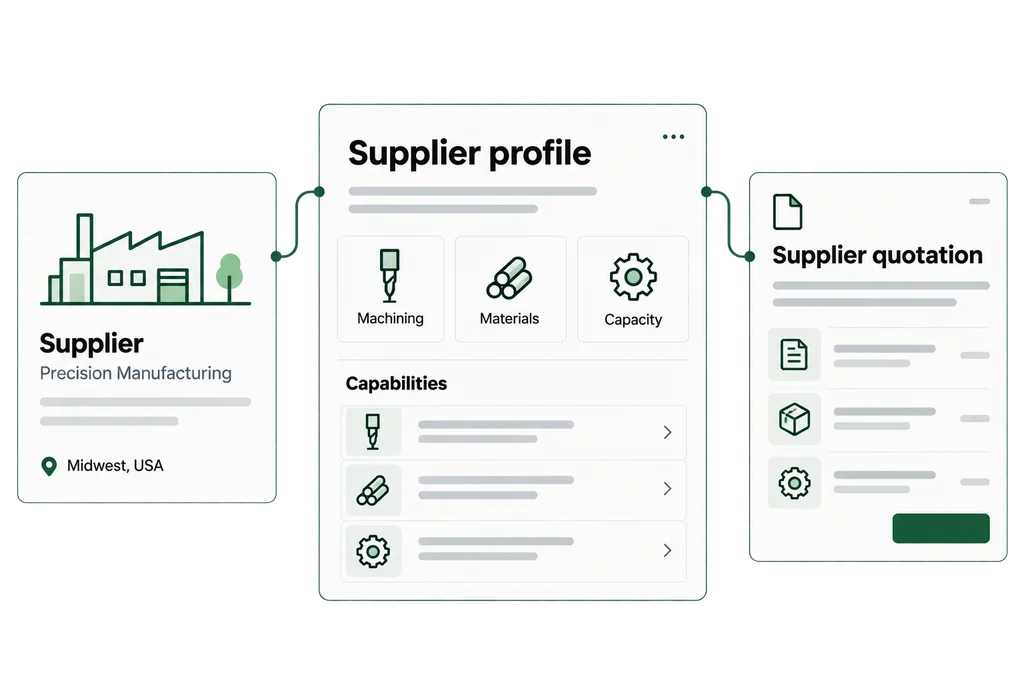
Identify eligible suppliers by matching RFQ requirements against their published Network capability profiles. Review the technical fit and choose who to invite.
Network matching is available in enabled categories with eligible, participating suppliers. Standard-product discovery uses category, brand and catalogue coverage. Matching supports supplier review; it does not replace qualification.
03 / Order control
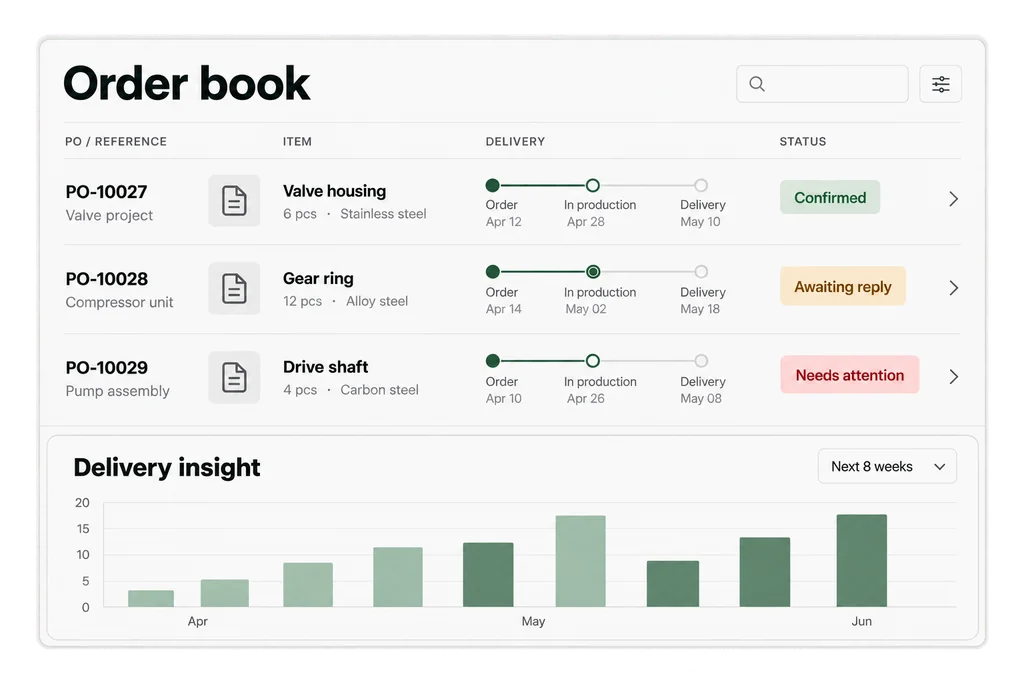
Keep requested dates, supplier confirmations and delivery updates together. Use the order book to focus on the lines that need action.
04 / Automation & AI
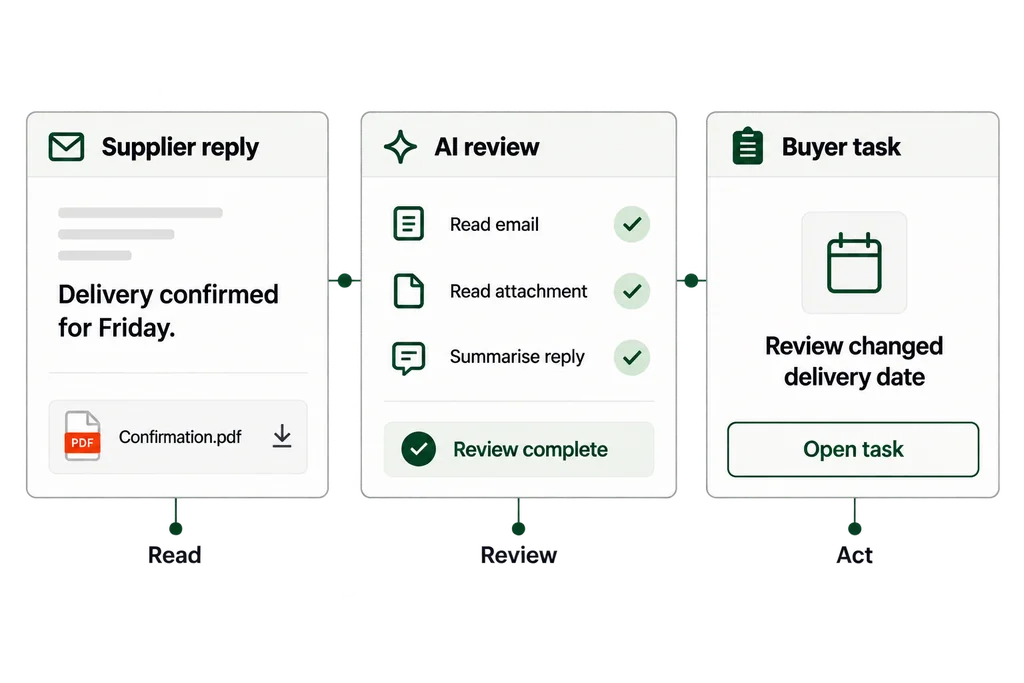
Build workflows for routine reminders and checks, with waiting periods, buyer tasks and approvals. Track what ran and where a person needs to step in.
AI helps review tracked replies and attachments. It does not automatically change your order details. Supported file types and size limits apply.
05 / Supplier collaboration
Bring quotations, confirmations and supporting documents into the same process, through supplier workspaces or secure guest response links.
Suppliers can respond to RFQs, confirm orders and exchange forecasts and documents through the supported account or guest flow.
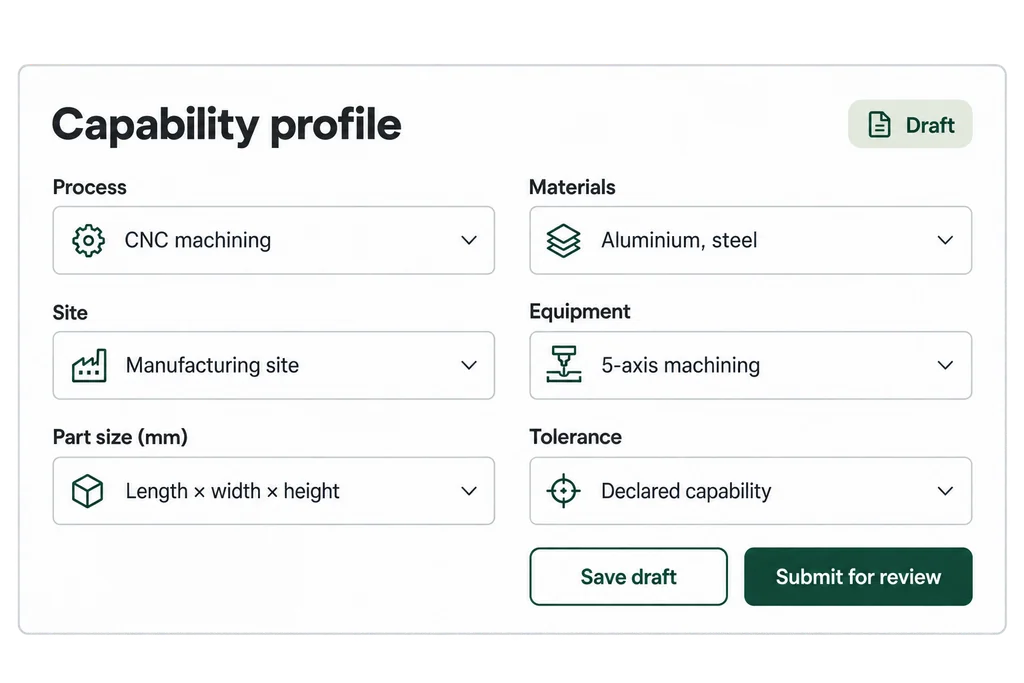
Structured profiles describe processes, materials, sites, equipment and manufacturing limits used in sourcing and Network matching.
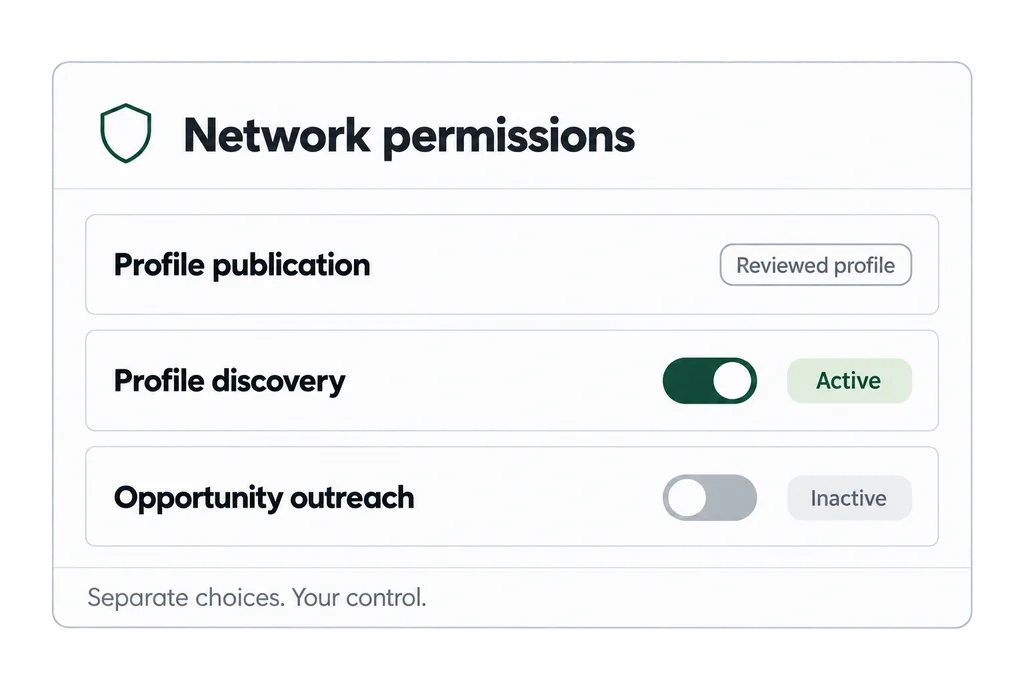
Profile publication, discovery and opportunity outreach are separate choices. Suppliers control how their approved information is shared.
A practical foundation
Bring your existing data and supplier relationships into a structured process, with access and responsibilities defined for each team.
Mapped ERP and spreadsheet imports, material records, supplier context and configurable integration paths.
Buyer, supplier and platform workspaces, organization roles and approval steps.
Workflow history, tracked communications and assigned tasks help teams understand what happened next.
Your next step
Use it with your own team, or ask ours
to manage a defined scope for you.